
Welcome to Pro Typing Test! If you're reading this, you probably want to type faster. Maybe you're a student trying to finish assignments quicker. Maybe you're a professional looking for a better job. Or maybe you're just tired of watching your slow fingers while everyone else seems to fly across the keyboard.
I've been there. When I started my typing journey, I was stuck at 25 WPM. I looked at the keyboard constantly. I used only two fingers. I made countless errors. But after years of practice and coaching 50,000+ students, I've cracked the code. Anyone can increase their typing speed with the right techniques.
1 Master Touch Typing (The Foundation of Speed)
Touch typing is the single most important skill for increasing your typing speed. It means typing without looking at the keyboard. Your fingers memorize the key positions through muscle memory.
- Hunt & Peck (2-4 fingers, looking at keyboard): Max speed 30-40 WPM
- Touch Typing (10 fingers, no looking): Achievable speed 60-100+ WPM
- Errors reduced by 90% with proper touch typing technique
- Your brain processes text faster when eyes stay on screen
How to Start Touch Typing Today:
- Learn the home row: ASDF for left hand, JKL; for right hand. Your fingers should always return here.
- Use the bumps on F and J keys: These help you position your hands without looking.
- Practice for 15 minutes daily: Use Pro Typing Test's free lessons.
- Be patient: Your speed might drop initially. That's normal. Push through the first 2 weeks.
Action Step: Take our 1-minute typing test today to get your baseline. Then start practicing touch typing for 15 minutes daily.
2 Fix Your Posture & Ergonomics
Bad posture doesn't just hurt your back - it kills your typing speed. When you're uncomfortable, you type slower and make more errors. Here's the correct typing posture that professional typists use:
- Chair height: Adjust so your elbows form a 90-degree angle when typing
- Monitor position: Top of screen at or slightly below eye level (prevents neck strain)
- Wrists: Keep them straight, not bent up or down (use a wrist rest)
- Feet: Flat on the floor - don't cross your legs
- Distance from keyboard: Sit close enough that your elbows stay at your sides
3 The 20-Minute Daily Practice Rule
Here's the truth: consistency beats intensity. Typing for 3 hours on Sunday won't help you nearly as much as 20 minutes every day. Your brain builds muscle memory through regular repetition, not long sessions.
Sample Daily Practice Routine:
- Minutes 0-5: Warm up with home row exercises (asdfjkl;) – type slowly and correctly
- Minutes 5-15: Focused practice on typing paragraphs for your target profession
- Minutes 15-20: Timed test - one 5-minute test or four 1-minute tests
- Optional 5 minutes: Review your errors and practice problem keys
The Science: Studies show that 20-30 minutes of focused practice daily is the sweet spot for skill acquisition. More than that leads to diminishing returns and fatigue. Less than that and you won't build sufficient momentum.
4 Accuracy First, Speed Second
I see this mistake all the time: people try to type as fast as possible, but they make 15% errors. That's not real speed. Effective typing speed = Gross WPM × Accuracy percentage.
| Gross WPM | Accuracy | Effective WPM | Who Wins? |
|---|---|---|---|
| 60 WPM | 85% accuracy | 51 WPM | |
| 50 WPM | 98% accuracy | 49 WPM | Almost tied! |
| 45 WPM | 99% accuracy | 44.5 WPM | |
| 55 WPM | 95% | 52.25 WPM | 🏆 Winner! |
The Rule: Don't move to a higher speed until you can maintain 95%+ accuracy at your current speed. Backspace is your enemy - every time you press it, you lose time and momentum.
Action Step: Practice with our Tricky Keys tool to identify and fix your most common errors.
5 Master the 300 Most Common English Words
Did you know that the 300 most common English words make up about 65% of all typed text? Master these words, and you'll type faster automatically.
Top 50 Most Common Words (Start Here):
the, be, to, of, and, a, in, that, have, I, it, for, not, on, with, he, as, you, do, at, this, but, his, by, from, they, we, say, her, she, or, an, will, my, one, all, would, there, their, what, so, up, out, if, about, who, get, which, go, me
- Week 1-2: Practice the top 100 words until you can type each in under 1 second
- Week 3-4: Practice the top 200 words
- Week 5-6: Practice the top 300 words
- After: Type full paragraphs from our paragraph library
6 Use All 10 Fingers Correctly
Many typists use only 2-4 fingers. This is like trying to run a race with one leg. Proper finger assignment distributes the workload across all your fingers, dramatically increasing your potential speed.
Standard Finger Assignment:
- Left Pinky: Q, A, Z, and shift/tab keys
- Left Ring: W, S, X
- Left Middle: E, D, C
- Left Index: R, F, V, T, G, B (covers 6 keys)
- Right Index: Y, H, N, U, J, M (covers 6 keys)
- Right Middle: I, K, comma
- Right Ring: O, L, period
- Right Pinky: P, semicolon, slash, and shift/enter
- Both Thumbs: Space bar
Action Step: Use our Finger Placement Guide with interactive diagrams.
7 Stop Looking at the Keyboard
Every time you look down at the keyboard, you lose 0.5-1 second. Over a 10-minute typing test, that adds up to 2-4 minutes of lost time! Your eyes should never leave the screen.
How to Break the Habit:
- Cover your hands: Put a towel or cardboard over your hands while typing
- Use the F and J bumps: These tactile markers tell you where your hands are
- Start slow: Type at 10 WPM to build confidence without looking
- Practice with our games: Daily Word Game rewards not looking down
The Test: Take our 1-minute test with your keyboard covered. Your score will drop at first. That's okay. Within 2 weeks, it will surpass your previous score.
8 Use the Pomodoro Technique for Practice
Your brain gets tired. When it's tired, your speed drops and errors increase. The Pomodoro Technique prevents fatigue by forcing regular breaks.
How to Apply Pomodoro to Typing Practice:
- 25 minutes: Focused typing practice (no distractions, no phone, no email)
- 5 minutes: Stand up, stretch your hands, walk around, rest your eyes
- Repeat 2-3 times per practice session
- After 2 hours: Take a 15-20 minute long break
9 Track Your Progress With Timed Tests
What gets measured gets improved. You need to know if you're actually getting faster. Weekly testing on Pro Typing Test will show you exactly where you stand.
Progress Tracking Template:
| Week | 1-min Test | 5-min Test | Accuracy | Key Focus Next Week |
|---|---|---|---|---|
| Week 1 (Start) | ___ WPM | ___ WPM | ___% | Touch typing basics |
| Week 2 | ___ WPM | ___ WPM | ___% | Common words |
| Week 3 | ___ WPM | ___ WPM | ___% | Problem keys |
| ... | ||||
Action Step: Create a simple spreadsheet or notebook to track your scores. Celebrate every 5 WPM increase!
10 Make Practice Fun With Typing Games
Let's be honest: typing practice can be boring. That's why most people quit. Typing games make practice feel like play, so you practice longer and more consistently.
Best Typing Games for Speed Development:
- Daily Word Game (Pro Typing Test): Similar to Wordle, but with typing practice built in
- Typing Challenge: Compete against other typists in real-time
- Bigram Blitz: Focuses on common two-letter combinations
📅 30-Day Typing Speed Acceleration Plan
Week 1: Foundation (Target: Establish proper technique)
- Day 1: Take baseline tests (1-min, 5-min, 10-min). Record your scores.
- Day 2-3: Practice only home row (ASDF JKL;) - 20 minutes daily. No rushing.
- Day 4-5: Add top row (QWERTYUIOP) and bottom row (ZXCVBNM).
- Day 6-7: Practice all letters combined. Focus on accuracy (95%+).
- Week 1 Test: Take another 5-min test. Compare with Day 1.
Week 2: Building Speed (Target: 30-40 WPM consistently)
- Days 8-10: Practice top 100 common words - 20 minutes daily
- Days 11-12: Short sentences using common words
- Day 13: Focus on problem keys (track with our error analysis)
- Day 14: 10-minute endurance test (pace yourself)
Week 3: Acceleration (Target: 40-50 WPM consistently)
- Days 15-17: Practice top 200 common words
- Days 18-19: Timed paragraphs (aim for 45 WPM minimum)
- Day 20: Typing games for speed (NitroType or TypeRacer)
- Day 21: Two 5-minute tests with 5 min break between
Week 4: Refinement (Target: 50-60 WPM)
- Days 22-24: Practice with exam/profession-specific paragraphs
- Days 25-26: Take 10-minute tests and analyze speed drop patterns
- Day 27: Competitive typing games to push your limits
- Day 28: 5-minute test aiming for personal best
- Day 29: Rest/review - analyze all weekly data
- Day 30: Final test day! Take 1-min, 5-min, and 10-min tests. Compare with Day 1.
🚀 Ready to Start Your Speed Journey?
Join 50,000+ typists who increased their speed using Pro Typing Test. Free tests, lessons, and certificate!
Trusted by typists from USA, UK, Canada, Australia, India and 150+ countries
❓ Frequently Asked Questions About Typing Speed
20 WPM se 40 WPM tak 1-2 months lagte hain with daily practice. 40 WPM se 60 WPM tak 2-3 months lagte hain. Pro Typing Test par daily practice karo aur 60 WPM guide follow karo.
Most professional jobs in USA and UK require 50-60 WPM minimum for administrative roles, 60-70 WPM for data entry, and 70-80 WPM for executive assistant positions. Pro Typing Test helps you achieve 60+ WPM for international job requirements.
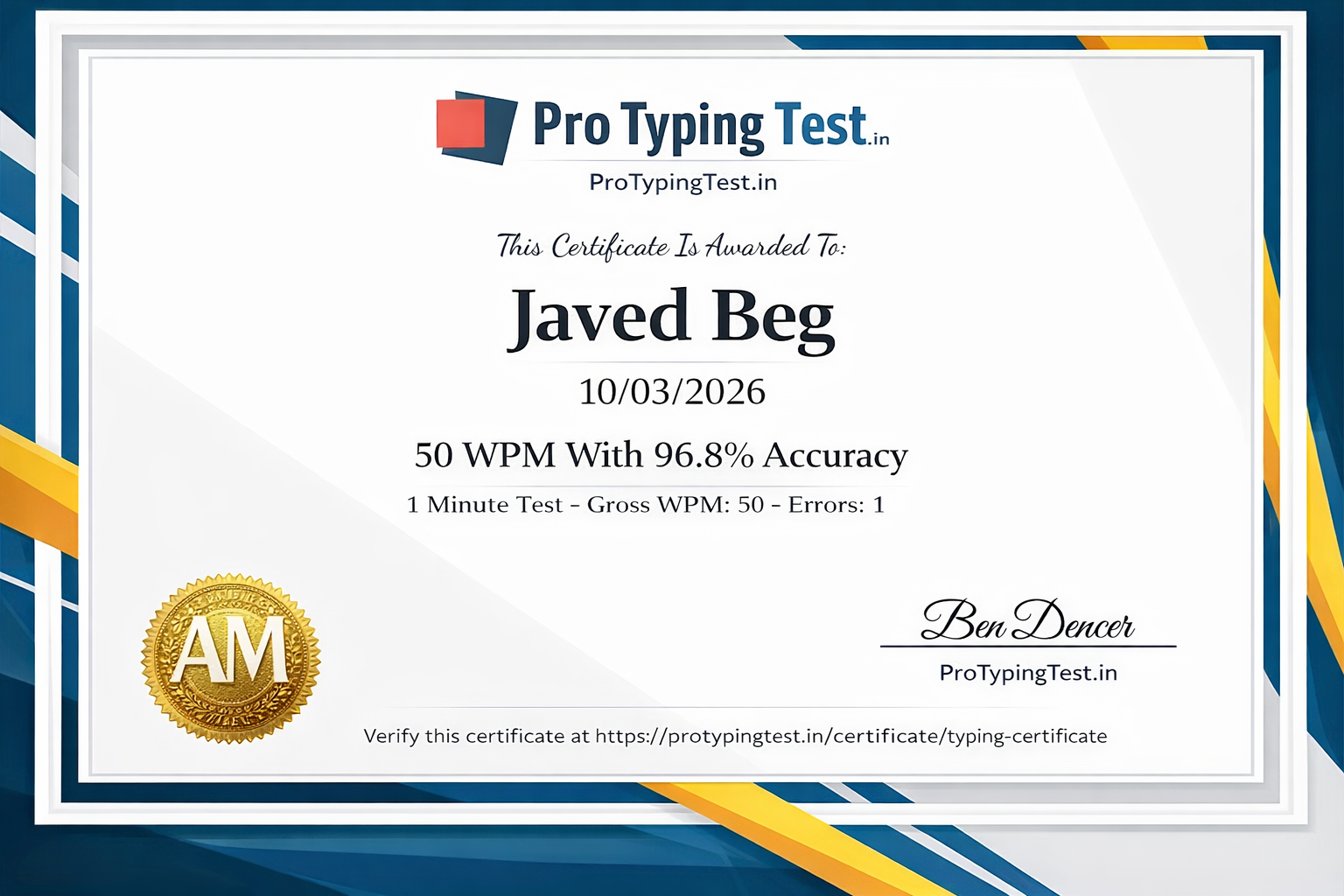
Yes! Pro Typing Test offers free official typing certificates when you achieve 95%+ accuracy and good WPM on our typing tests. Get your certificate here →
Haan, 1 hafte mein 5-10 WPM speed badha sakte ho with focused practice. Daily 1 hour practice karo aur Pro Typing Test ke exercises follow karo. Upar diya 30-day plan follow karo.
Daily 30-45 minutes practice, touch typing, accuracy focus, aur Pro Typing Test ke typing tests. 5-minute aur 10-minute tests regularly lo. Use our typing games to stay motivated.
Beginner (20 WPM) se 60 WPM tak 3-4 months lagte hain with daily 30-45 minutes practice. Pro Typing Test ka 60 WPM guide follow karo. Consistency key hai.
💬 Real Results from Our Community
"I was stuck at 38 WPM for months. Followed the 30-day plan exactly. Hit 62 WPM on Day 28! The touch typing tip was life-changing. Now I'm applying for better jobs with my Pro Typing Test certificate."
"College assignments mein bahut time lagta tha. 25 WPM thi meri speed. Pro Typing Test ke tips follow kiye. 2 months mein 52 WPM ho gayi. Assignments aadha time mein complete hote hain!"
"My employer required 55 WPM. I was at 42 WPM. Used Pro Typing Test daily for 45 days. Reached 58 WPM. Got the job! The free certificate proved my skills to the hiring manager."
Final Words From Your Typing Coach
You now have the blueprint. You know exactly what to do. The only thing standing between you and faster typing is consistent practice.
- Start today. Not tomorrow. Not next week. Today.
- Take your baseline test. You need to know where you're starting.
- Follow the 30-day plan. It's designed to build momentum.
- Track your progress. Celebrate every 5 WPM increase.
- Get your certificate. Prove your skills to employers.
Start your typing speed journey with Pro Typing Test today. Your faster future is waiting. 🚀