
Welcome to Pro Typing Test! Do you type at 50 WPM but have only 85% accuracy? Your effective speed is only 42.5 WPM. Without accuracy, speed has no value. In this guide, you will learn how to improve your typing accuracy to 99%.
🚀 My Personal Accuracy Journey (75% → 99%)
Real confession: When I started typing, my accuracy was only 75%. I made errors constantly - typing "teh" instead of "the", "form" instead of "from", missing double letters everywhere. I thought speed was everything, so I kept typing faster. But my errors multiplied.
I failed my first typing test because my accuracy was below 90%. That is when I realized - speed means nothing without accuracy. I slowed down to 15 WPM, focused on perfect accuracy, and gradually increased my speed. Within 3 months, I achieved 99% accuracy. Today, I type at 120+ WPM with 99% accuracy.
This guide shares the exact techniques that worked for me. Follow them, and you WILL improve your accuracy!
📊 Accuracy Level Chart - Where Do YOU Stand?
🔰 Beginner
Frequent errors
Looking at keyboard
Needs improvement
⚡ Intermediate
Some errors
Touch typing basics
Good for daily use
🏆 Advanced
Minimal errors
Exam ready
Professional level
🎯 Expert
Rare errors
Master typist
International jobs
🎯 Why Accuracy Matters More Than Speed
Professional typing and government exams prioritize accuracy over speed. In SSC and Banking exams, if your accuracy is below 95%, you may fail. Therefore:
- Effective Speed Formula: Gross WPM × Accuracy = Net WPM
- 50 WPM with 90% accuracy = 45 WPM effective
- 40 WPM with 98% accuracy = 39.2 WPM effective (better!)
- 30 WPM with 99% accuracy = 29.7 WPM (exams passed)
- 35 WPM with 90% accuracy = 31.5 WPM (may fail)
❌ Common Typing Errors & Patterns
1. Adjacent Key Errors
Pressing a key next to the intended one. This is the most common error. Examples: "teh" instead of "the", "form" instead of "from", "adn" instead of "and".
2. Transposition Errors
The order of letters is swapped. Examples: "teh" instead of "the", "form" instead of "from".
3. Double Letter Errors
Missing double letters or adding extra double letters. Examples: "accomodate" instead of "accommodate", "comitte" instead of "committee".
4. Omission Errors
Missing letters or words. Example: "government" instead of "government".
5. Addition Errors
Adding extra letters. Example: "thhe" instead of "the".
6. Capitalization Errors
Using capital letters incorrectly or missing them entirely.
7. Punctuation Errors
Missing or incorrectly using commas, periods, and apostrophes.
📊 10 Most Common Error Types with Examples
| Error Type | Incorrect | Correct | |
|---|---|---|---|
| Adjacent Key | teh | the | |
| Transposition | form | from | |
| Double Letter | acomodate | accommodate | |
| Omission | govrnment | government | |
| Addition | thhe | the | |
| Capitalization | india | India | |
| Punctuation | its | it's | |
| Homophone | there car | their car | |
| Spacing | inthe | in the | |
| Shift Key | HELLO → Hello | ||
⚡ 10 Proven Techniques to Improve Accuracy
1. Slow Down (Most Important)
First, type slowly but accurately. Practice at 20-25 WPM with 99% accuracy target. Then gradually increase speed. This is Pro Typing Test's number one tip.
2. Perform Error Analysis
Analyze your errors after each typing session. Identify patterns. Follow our Error Analysis Guide.
3. Focus on Problem Keys
Identify which keys cause you to make errors. Practice those keys extra. For example, if you confuse 'a' and 's', practice "as as as".
4. Use Proper Finger Placement
Each finger has its own range of keys. Follow correct placement. See our Finger Placement Guide.
5. Practice with Eyes Closed
Close the screen or close your eyes and type common words. This develops muscle memory. Do this exercise for 5 minutes daily.
6. Use Accuracy-Focused Tools
Pro Typing Test's typing test tracks your accuracy. Use it regularly. Take tests that focus on accuracy.
7. Practice Problem Words
Create a list of words you frequently misspell and practice them. Type each problem word 10 times daily.
8. Master Touch Typing
Learn to type without looking at the keyboard. Follow our Touch Typing Guide. This reduces errors by 50%.
9. Take Regular Breaks
Follow the 25-5 rule. Practice for 25 minutes, then take a 5-minute break. Fatigue increases errors.
10. Use Online Resources
Practice with English typing paragraphs. Typing practice paragraphs provide variety in practice content.
📝 6-Week Accuracy-Focused Practice Plan
Week 1-2: Foundation (95%+ Accuracy)
- Daily: 15 minutes practice at 15-20 WPM
- Focus: Home row keys (ASDF JKL;)
- Exercises: Type "asdf jkl; asdf jkl;" 20 times
- Tests: 1-minute tests with accuracy focus
- Target: 95%+ accuracy at 20 WPM
Week 3-4: Building (96%+ Accuracy)
- Daily: 20 minutes practice at 25-30 WPM
- Focus: Common words and short sentences
- Exercises: Practice the 100 most common words
- Tests: 2-minute and 5-minute tests
- Target: 96%+ accuracy at 30 WPM
Week 5-6: Advanced (98%+ Accuracy)
- Daily: 25 minutes practice at 30-35 WPM
- Focus: Full paragraphs and complex words
- Exercises: Practice typing paragraphs
- Tests: 5-minute and 10-minute tests
- Target: 98%+ accuracy at 35 WPM
📅 30-Day Accuracy Tracker
| Day | 1-min Test | 2-min Test | 5-min Test | 10-min Test | Weekly Avg |
|---|---|---|---|---|---|
| Week 1 | |||||
| Day 1 | ___% | ___% | ___% | ___% | ___% |
| Day 2 | ___% | ___% | ___% | ___% | |
| Day 3 | ___% | ___% | ___% | ___% | |
| Day 4 | ___% | ___% | ___% | ___% | |
| Day 5 | ___% | ___% | ___% | ___% | |
| Day 6 | ___% | ___% | ___% | ___% | |
| Day 7 | ___% | ___% | ___% | ___% | |
| Weeks 2-4 continue similarly (fill in your progress) | |||||
📈 Speed vs Accuracy Trade-Off Chart
🔑 Problem Keys & How to Fix Them
Common Problem Pairs:
- a-s: Practice "as as as as" and "sa sa sa sa"
- o-i: Practice "oi oi oi" and "io io io"
- e-r: Practice "er er er" and "re re re"
- n-m: Practice "nm nm nm" and "mn mn mn"
- c-v: Practice "cv cv cv" and "vc vc vc"
- t-y: Practice "ty ty ty" and "yt yt yt"
- g-h: Practice "gh gh gh" and "hg hg hg"
- b-n: Practice "bn bn bn" and "nb nb nb"
Daily Problem Key Routine:
- Identify your top 5 problem keys
- Practice each pair 20 times
- Type words containing those pairs
- Take a 1-minute test and check for improvement
🌎 International Accuracy Requirements
| Country / Job Type | Required Speed | Required Accuracy | Notes | |
|---|---|---|---|---|
| USA - Administrative Jobs | 40-50 WPM | 95%+ | Federal jobs need 98%+ | |
| UK - Civil Service | 40-50 WPM | 95%+ | Home Office, DWP roles | |
| Canada - Government | 35-45 WPM | 95%+ | Service Canada positions | |
| Australia - Public Service | 35-45 WPM | 95%+ | APS levels 1-3 | |
| Data Entry (Global) | 40-50 WPM | 98%+ | High accuracy critical | |
| Transcription | 60-80 WPM | 99%+ | Medical/Legal requires 99%+ |
🎯 Exam Accuracy Requirements
| Exam | Required Speed | Required Accuracy |
|---|---|---|
| SSC CHSL | 35 WPM | 95%+ |
| SSC CGL | 30 WPM | 95%+ |
| IBPS PO/Clerk | 30 WPM | 95%+ |
| SBI PO/Clerk | 30 WPM | 95%+ |
| RRB NTPC | 30 WPM | 95%+ |
| CPCT | 30 WPM | 95%+ |
For a detailed guide: Typing Speed Required for Government Exams
🚀 Start Improving Your Typing Accuracy Today
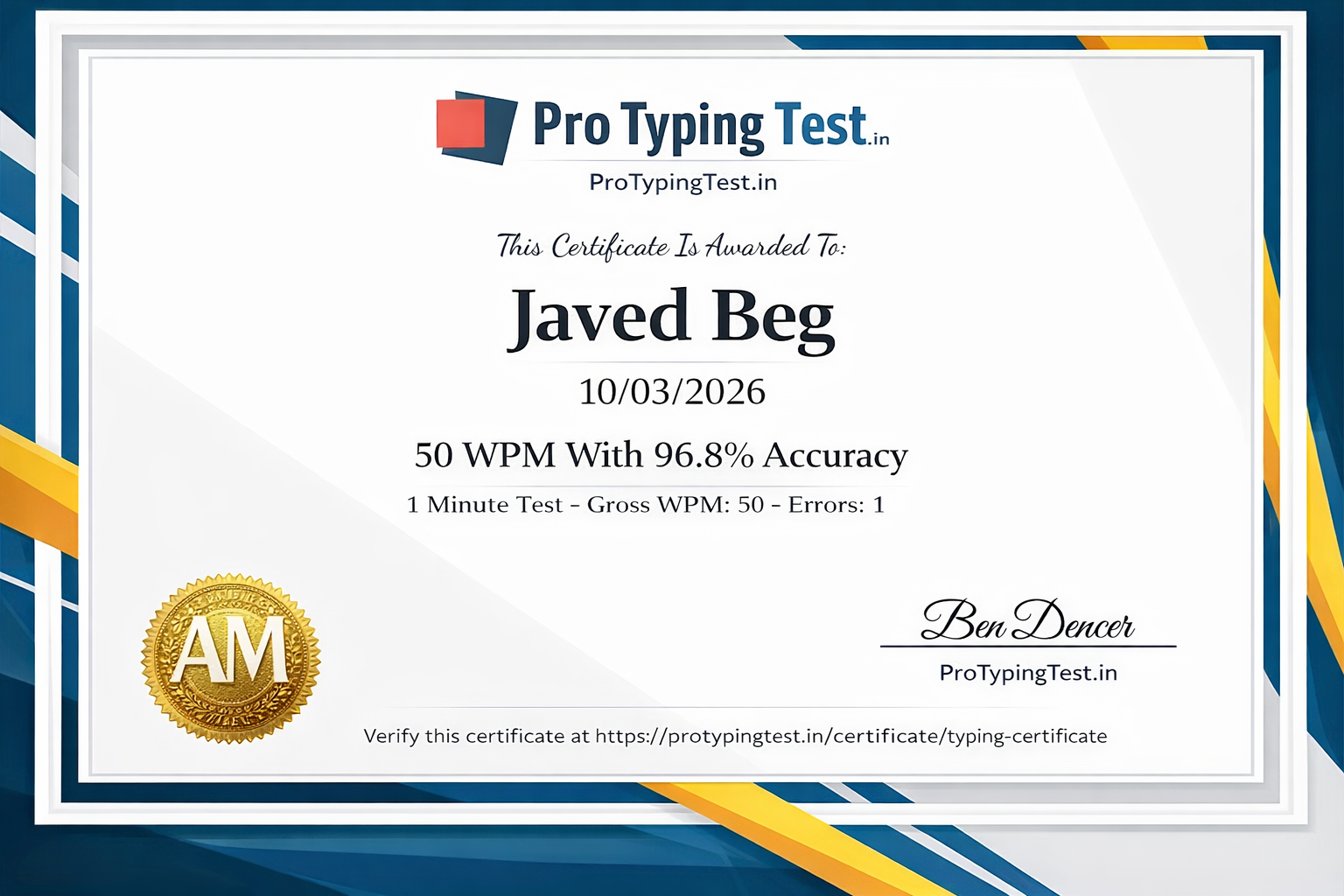
Join 50,000+ users improving their accuracy with Pro Typing Test. Free typing tests with instant accuracy tracking! Get your FREE certificate when you reach 98%+ accuracy!
Powered by Pro Typing Test - Created by Javed Beg (75%→99% Accuracy) | Trusted in 150+ countries
❓ Frequently Asked Questions About Typing Accuracy
Slow down, practice at 20-25 WPM with 99% accuracy target. Identify problem keys, perform error analysis, and practice daily with Pro Typing Test's accuracy-focused tests. Written by Javed Beg who achieved 99% accuracy from 75%.
Most professional jobs in the USA and UK require 98%+ accuracy for administrative and data entry positions. Pro Typing Test helps you achieve 99% accuracy for international jobs. With our practice materials, you can reach 99% accuracy.
Yes! Pro Typing Test offers free official typing certificates when you achieve 98%+ accuracy and good WPM on our typing tests. Get your certificate here →
For beginners, 90%+ is good. For intermediate typists, 95%+ is expected. For professional level, 98%+ is required. Government exams require 95%+ accuracy. Javed Beg recommends targeting 99% for professional work.
Perform error analysis, identify weak keys, practice them extra, practice common words, and master touch typing. Follow our Common Mistakes Guide on Pro Typing Test.
Improving from 85% to 95% takes 3-4 weeks with daily practice. From 95% to 98% takes 4-6 weeks. Consistency is important. Javed Beg achieved 99% accuracy in 3 months using this guide.
Adjacent key errors are the most common - such as typing "teh" instead of "the", "form" instead of "from". Transposition errors are also very common. Use the problem keys section above to fix these!
💬 Pro Typing Test Community
"I needed 98% accuracy for my remote data entry job application. This guide helped me improve from 92% to 98% in 5 weeks. Thank you Javed and Pro Typing Test!"
"My speed is 40 WPM but my accuracy is 88%. Can I clear the SSC CHSL exam with this?"
"My accuracy is 97% but my speed is stuck at 25 WPM. How can I increase speed without losing accuracy?"
Conclusion
Building accuracy takes time, but with consistent practice, achieving 99% is possible. Remember - accuracy comes before speed. Follow this guide (especially the 6-week plan and 30-day tracker) and take your typing accuracy to the next level. Written by Javed Beg who went from 75% to 99% accuracy.
Start your accuracy journey today and become a precision typist! 🎯🚀