
🚀 My Personal Speed Journey (25 WPM → 120+ WPM)
Real confession: When I first started typing, my speed was 25 WPM. I used to look at the keyboard constantly. My accuracy was below 80%. I thought I would never be able to type fast.
But I did not give up. I discovered touch typing, learned finger placement, and created a structured practice routine. The first month was frustrating - my speed dropped to 20 WPM while learning new techniques. But I persisted.
After 3 months, I reached 45 WPM. After 6 months, I hit 60 WPM. After 1 year, I was at 85 WPM. Today, I type at 120+ WPM with 99% accuracy. This guide shares the EXACT 10 methods that worked for me. If I can do it, YOU CAN TOO!
Touch typing means typing without looking at the keyboard. This is the most important skill for increasing typing speed. When you stop looking at the keyboard, your focus stays on the screen and your speed naturally increases. This was my biggest breakthrough method.
How to Learn:
- Place your fingers on the home row (ASDF JKL;)
- Memorize the assigned keys for each finger
- Cover your keyboard with a cloth or use a cover
- Practice blind typing for 15 minutes daily
- Use the F and J key bumps to find home row without looking
Resources from Pro Typing Test:
Prioritize accuracy before speed. 50 WPM with 85% accuracy is worse than 40 WPM with 98% accuracy. Effective speed = Gross WPM × Accuracy. I learned this the hard way - I was typing fast but making many mistakes.
Accuracy Improvement Tips:
- Slow down: Achieve perfect accuracy at 25-30 WPM first
- Error analysis: Analyze your errors after each test
- Weak keys practice: Extra practice for keys where you struggle
- 95%+ target: Aim for 95%+ accuracy in every test
- Reduce backspace: Aim to minimize backspace usage
Resources from Pro Typing Test:
Consistency is key. Practice 30-45 minutes daily. Taking 2-3 days off weakens muscle memory. I never missed a day for 6 months during my speed journey.
Ideal Daily Routine:
| Time | Activity |
|---|---|
| 10 mins | Warm-up with home row exercises |
| 10 mins | 5-minute typing test (2 rounds) |
| 10 mins | Weak areas practice (problem keys or words) |
| 5 mins | Speed drills - type the same paragraph multiple times |
| 5 mins | Error analysis and review |
| Total: 40 minutes daily | |
The 100 most common English words make up more than 50% of all typing. Practicing them greatly increases your speed. I practiced these words daily for 2 weeks and saw a 10 WPM increase.
Top 20 Common Words:
the, be, to, of, and, a, in, that, have, I, it, for, not, on, with, he, as, you, do, at
Next 20 Common Words:
this, but, his, by, from, they, we, say, her, she, or, an, will, my, one, all, would, there, their, what
What gets measured gets improved. Track your daily WPM and accuracy. I maintained a spreadsheet for 6 months - it kept me motivated.
| Week | 1-min WPM | 5-min WPM | 10-min WPM | Accuracy % |
|---|---|---|---|---|
| Sample Progress Tracker: | ||||
| Week 1 | 25 | 22 | 20 | 92% |
| Week 2 | 28 | 25 | 23 | 93% |
| Week 3 | 32 | 28 | 25 | 94% |
| Week 4 | 35 | 30 | 28 | 95% |
Use Pro Typing Test's analytics: Our platform automatically tracks your WPM and accuracy progress over time!
Incorrect finger placement will never allow your speed to increase. Learn proper finger placement. This was my #2 breakthrough after touch typing.
Quick Reference:
- Left hand: A (pinky), S (ring), D (middle), F (index)
- Right hand: J (index), K (middle), L (ring), ; (pinky)
- Thumbs: Space bar
- F and J keys: Have small bumps for home row identification
Detailed Guide: Complete Finger Placement Guide with Diagrams
Typing games improve speed in a fun way. Games help develop muscle memory without getting bored. I used typing games as warm-ups before serious practice.
Pro Typing Test Games:
- Daily Word Game - Guess the word in 6 tries
- Typing Challenge - Compete with others
- Bigram Blitz - Practice common letter combinations
Typing for long hours leads to fatigue and increased errors. Follow the 25-5 rule. Your brain needs time to consolidate muscle memory.
Pomodoro Technique for Typing:
- 25 minutes of focused practice
- 5 minutes break - stand up, stretch your hands
- During breaks, stretch your hands - open and close your fists
- After 4 cycles, take a 15-20 minute long break
- Stay hydrated - water improves cognitive function
Practice paragraphs instead of individual words. This trains you for real-life typing scenarios. Single words do not prepare you for actual typing tasks.
Paragraph Resources:
- 50+ English Typing Paragraphs - Categorized by difficulty
- 100+ Practice Paragraphs - With word count
- Time-based Paragraphs - For 1, 2, 5, 10 minute tests
Without goals, progress is slow. Set a target for each week. I set small achievable weekly goals that kept me motivated.
Example Weekly Goals:
- Week 1: 25 WPM with 95% accuracy
- Week 2: 28 WPM with 95% accuracy
- Week 3: 32 WPM with 94% accuracy
- Week 4: 35 WPM with 95% accuracy
- Week 5: 38 WPM with 95% accuracy
- Week 6: 42 WPM with 95% accuracy
Follow our 60 WPM in 30 Days Guide for a complete structured plan!
📊 Typing Speed Levels Chart - Where Do YOU Stand?
🔰 Beginner
Hunt and peck typing
Looking at keyboard
2-4 fingers used
⚡ Intermediate
Touch typing basics
Some finger memory
Occasional looking at keyboard
🏆 Advanced
Full touch typing
No keyboard looking
95%+ accuracy
🎯 Expert
Elite typist
99% accuracy
Can type for hours
📈 How to Break Speed Plateaus (45 WPM, 60 WPM, 80 WPM)
🚧 Stuck at 45-50 WPM?
Solution: Increase test duration from 1-2 minutes to 5-10 minutes. Practice endurance typing. Most people can type fast for 1 minute but slow down after. Use our 10-minute typing test.
🚧 Stuck at 60-65 WPM?
Solution: Focus on complex words and punctuation. Practice typing technical content, news articles, and research papers. Use advanced typing paragraphs. Analyze your error heatmap.
🚧 Stuck at 80-85 WPM?
Solution: This is an advanced plateau. Use a mechanical keyboard (Cherry MX Red or Brown). Practice the "look ahead" technique - read 3-4 words ahead while typing. Record yourself and eliminate unnecessary finger movements.
🌎 International Typing Speed Requirements
| Country / Job Type | Required Speed (WPM) | Accuracy Required |
|---|---|---|
| USA Administrative Jobs | 35-45 WPM | 95%+ |
| USA Federal Jobs (IRS, SSA, USCIS) | 40-50 WPM | 95%+ |
| UK Civil Service (Home Office, DWP) | 40-50 WPM | 95%+ |
| Canada Government (Service Canada) | 35-45 WPM | 95%+ |
| Australia Public Service (APS) | 35-45 WPM | 95%+ |
| Data Entry Positions (Global) | 40-50 WPM | 98%+ |
| Court Reporter | 80-100+ WPM | 99%+ |
| Transcriptionist | 60-80 WPM | 98%+ |
📅 30-Day Speed Building Plan by Pro Typing Test
| Week | Focus | Target Speed | Daily Time |
|---|---|---|---|
| Structured Plan: | |||
| Week 1 | Foundation & Accuracy | 20 → 25 WPM | 30 min |
| Week 2 | Common Words & 2-min tests | 25 → 30 WPM | 35 min |
| Week 3 | 5-min tests & Speed drills | 30 → 35 WPM | 40 min |
| Week 4 | 10-min tests & Endurance | 35 → 40 WPM | 45 min |
🚀 Start Increasing Your Typing Speed Today
Join 50,000+ users improving their typing with Pro Typing Test. Free typing tests, lessons, and progress tracking! Get your FREE certificate!
Powered by Pro Typing Test - Created by Javed Beg (25 WPM → 120+ WPM) | Trusted in 150+ countries
❓ Frequently Asked Questions About Increasing Typing Speed
Increasing from 20 WPM to 40 WPM takes 1-2 months with daily practice. From 40 WPM to 60 WPM takes 2-3 months. Written by Javed Beg who went from 25 to 120+ WPM in 6 months. Practice daily on Pro Typing Test.
Most administrative jobs in USA and UK require 40-50 WPM minimum. Federal jobs often need 45-60 WPM. Pro Typing Test helps you achieve higher speeds for international job requirements. Use our 30-day plan above to reach 50+ WPM.
Yes, you can increase typing speed by 5-10 WPM in 1 week with focused practice. Practice 1 hour daily and follow the methods above consistently. Focus on one method at a time.
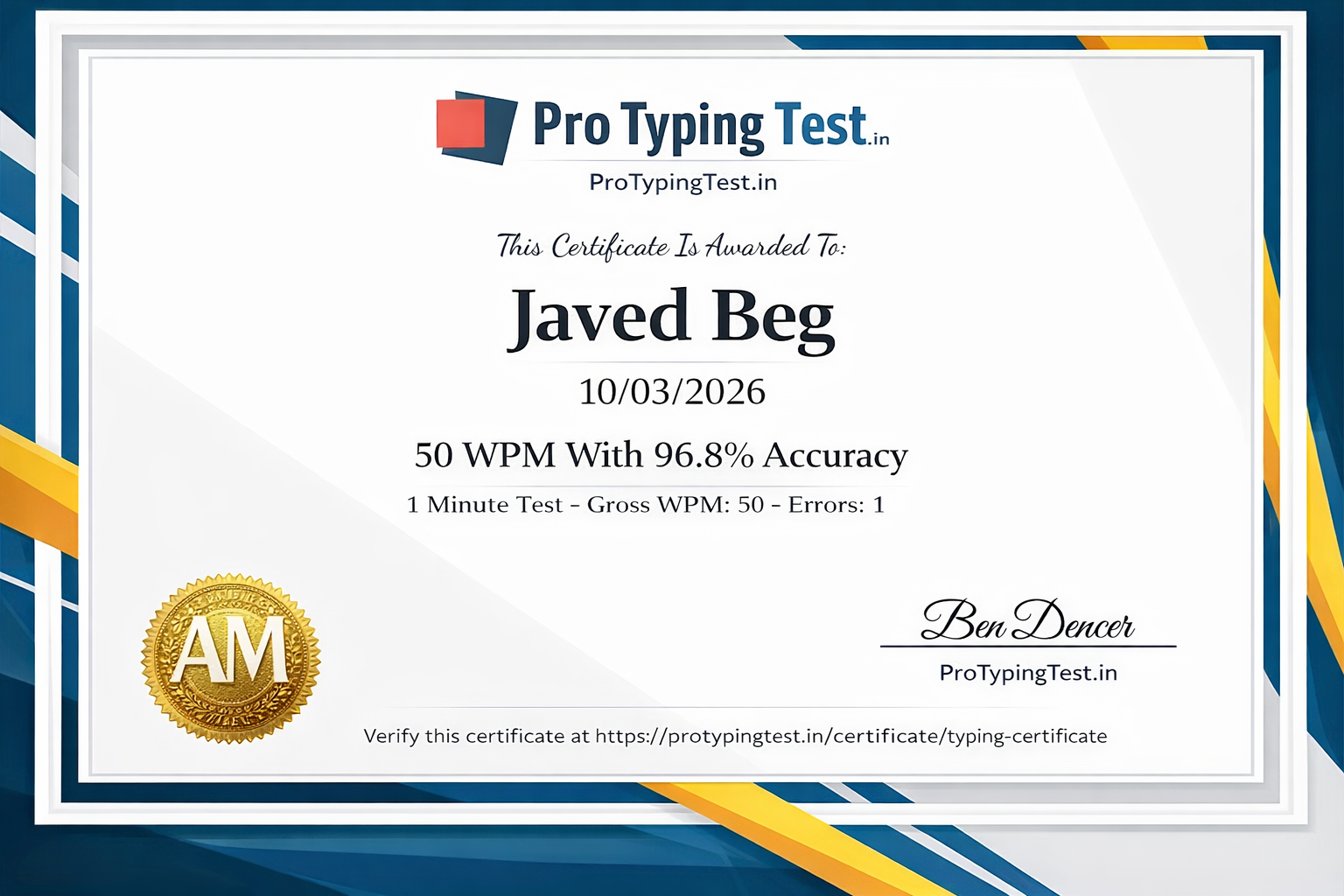
Yes! Pro Typing Test offers free official typing certificates when you achieve 95%+ accuracy and good WPM on our typing tests. Get your certificate here → The certificate includes your WPM score, accuracy, and a unique verification code.
It takes 3-4 months to go from beginner (20 WPM) to 60 WPM with daily 30-45 minute practice. Follow Pro Typing Test's 60 WPM guide. I did it in 4 months using these 10 methods.
The 45-50 WPM plateau is very common. To break it: increase test duration to 10 minutes, practice complex words, analyze your error heatmap using Pro Typing Test's analytics, and use a mechanical keyboard if possible. Focus on achieving 95%+ accuracy first. Most people break this plateau in 2-3 weeks.
Mechanical keyboards with Cherry MX Red or Brown switches are recommended for speed. They provide faster response times and better tactile feedback. Top brands include Keychron, Ducky, Logitech MX Mechanical, and Razer Huntsman. However, technique is more important than hardware!
The maximum speed without touch typing is 40-50 WPM. To go beyond 50 WPM, you MUST learn touch typing. Method 1 (Master Touch Typing) is the most important. It will feel frustrating for 1-2 weeks, but then your speed will surge.
💬 Pro Typing Test Community
"This guide is amazing! I started at 30 WPM and after following these methods for 3 weeks, I am at 45 WPM. Method 1 (Touch Typing) was the game-changer. The certificate feature is great!"
"My speed is 25 WPM. How long will it take to reach 40 WPM? I can practice 1 hour daily. I am stuck at the 25 WPM plateau."
"I am preparing for a UK Civil Service exam that requires 45 WPM. I am currently at 38 WPM. How can I increase by 7 WPM quickly?"
"My accuracy is 98% but my speed is stuck at 35 WPM. How can I increase my speed? I feel like I am not progressing."
Conclusion
If you follow these 10 proven methods, your typing speed will double in 2-3 months. Written by Javed Beg who went from 25 WPM to 120+ WPM. Consistency, patience, and daily practice are the keys. Track your progress with Pro Typing Test and earn your free typing certificate.
Remember: Speed comes from accuracy, and accuracy comes from daily practice. Use the speed level chart to track your progress from Beginner → Intermediate → Advanced → Expert. Every expert typist was once a beginner!
Start your speed journey today and become a faster typist! 🚀