
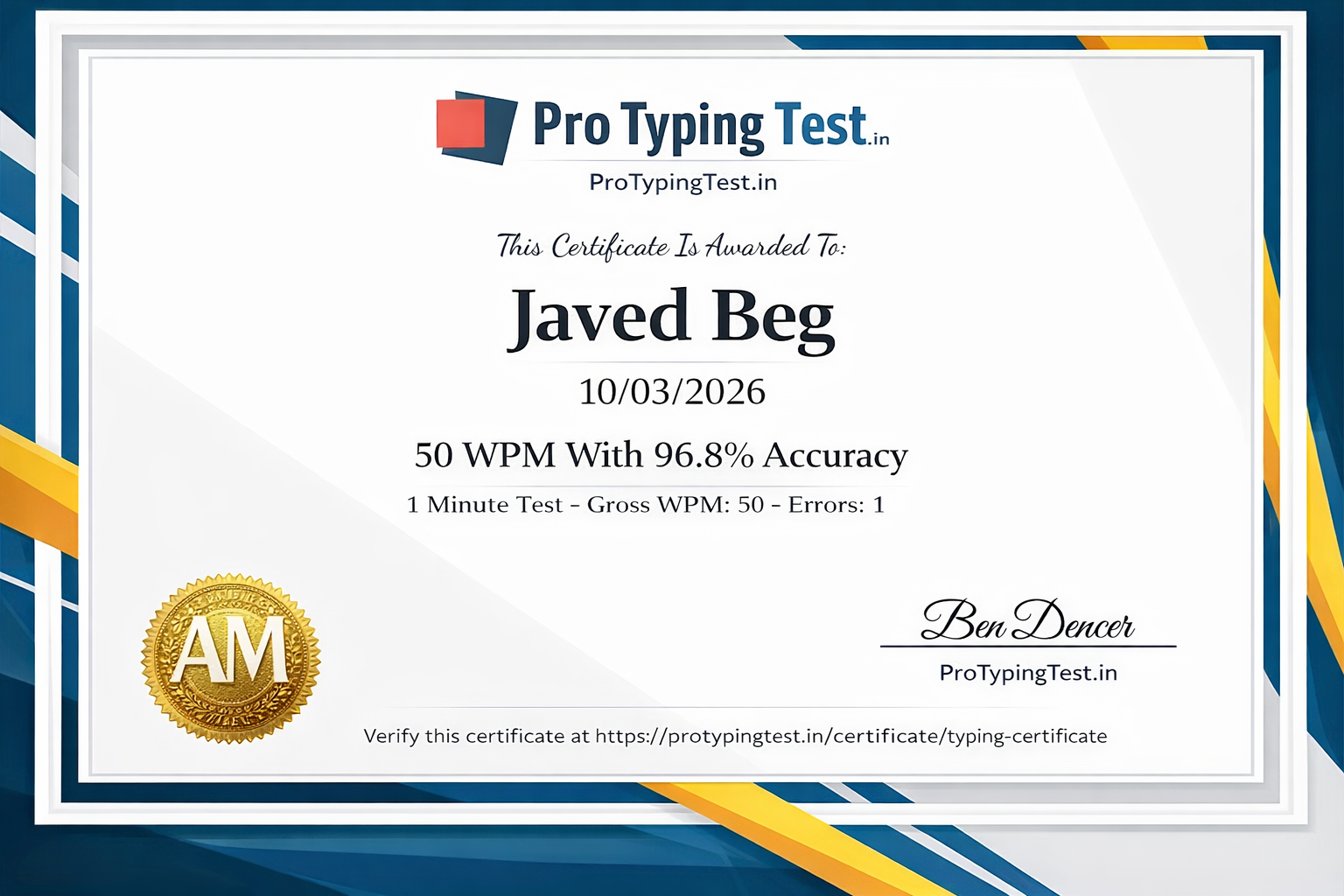
🚀 My Personal Productivity Journey (How I Saved 500+ Hours)
Real confession: Before 2022, I was typing the same things over and over. Every email started with "Dear Sir/Madam", every email ended with "Thanks and Regards, Javed Beg". My address, my phone number, my signature - I typed these hundreds of times daily. I was wasting hours every week.
Then a friend told me about text expansion. I was skeptical at first. But I tried TextExpander and created my first snippet: ';sig' expanded to my full signature. Within a week, I had 20 snippets. Within a month, I was saving 90 minutes daily.
That's 500+ hours saved in my first year. Hours that I used to learn new skills, grow Pro Typing Test, and spend time with family. This guide shares the EXACT tools and techniques I used. If I can save this much time, YOU CAN TOO!
🔤 What is Text Expansion?
Text expansion ek aisi technology hai jisme aap chhote se shortcut ya abbreviation type karte ho aur wo automatically expand hokar full text ban jata hai.
Javed Beg
Pro Typing Test
support@protypingtest.in
+91 98765 43210"
Our meeting is scheduled for [date] at [time]. Agenda:
1. Project updates
2. Upcoming deadlines
3. Any other business
Please confirm your attendance.
Thanks"
⏱️ Time Saved Calculator
| Words/Week | Manual Typing (40 WPM) | With Text Expansion | Time Saved | Yearly Savings |
|---|---|---|---|---|
| 5,000 words | 125 min | 42 min | 83 min | 72 hours |
| 10,000 words | 250 min | 83 min | 167 min | 144 hours |
| 20,000 words | 500 min | 166 min | 334 min | 289 hours |
| 50,000 words | 1250 min | 416 min | 834 min | 722 hours |
Example: Ek customer support executive daily 200 emails handle karta hai. Har email mein 50 words common hain. Text expansion se daily 1000 words bachte hain → 25 minutes daily saved → 150+ hours yearly!
🛠️ 12 Best Text Expansion Tools (Free & Paid)
Platform: Windows, Mac, iOS, Chrome
Price: $3.33/month (starts)
Best for: Professionals, teams, cross-platform users
My experience: I use TextExpander daily. It saved me 90 minutes/day in my first month!
Platform: Windows, Mac, iOS, Android
Price: Free (personal), $49.95 (pro)
Best for: Individuals, small teams, Windows users
Platform: Mac only
Price: $4.99 (one-time)
Best for: Mac users, budget-conscious
Platform: Windows only
Price: $34.95 (one-time)
Best for: Windows power users
Platform: Windows
Price: FREE (open source)
Best for: Budget-conscious users, open source fans
Platform: Windows, Mac, Linux
Price: FREE (open source)
Best for: Developers, cross-platform users, privacy-focused
Platform: Mac, iOS
Price: FREE (built-in)
Best for: Apple users, beginners
Platform: Android
Price: FREE
Best for: Mobile users
Platform: Mac
Price: €24.95
Best for: Mac power users
Platform: Chrome browser
Price: Free (basic), $2.99/month (pro)
Best for: Web workers, Gmail users
Platform: Windows
Price: FREE (open source)
Best for: Advanced users, automation enthusiasts
Platform: Mac
Price: Free (basic), £29 (Powerpack)
Best for: Mac productivity fans
📝 Practical Examples & Shortcuts
Email Signatures:
;sig→ Full professional signature;sig2→ Casual signature for friends
Addresses:
;home→ Home address;office→ Office address
Common Responses:
;thx→ Thank you for your email...;regards→ Best regards, Javed;oo→ Out of office auto-reply
Dates & Times:
;date→ Current date (2026-06-02);time→ Current time (14:30)
HTML/CSS Snippets (for developers):
;html→ HTML5 boilerplate;css→ CSS reset;btn→ Button CSS
📋 How to Build Your Snippet Library
Step 1: Track Your Repetitive Text (Week 1)
Ek week tak note karo ki aap konse phrases baar-baar type karte ho. Email signatures, addresses, common replies, code snippets, etc. I used a simple notebook to track mine.
Step 2: Choose Shortcuts (Week 1-2)
Shortcuts aise chuno ki yaad rahe: ; se shuru karo (;sig, ;addr), words ke first letters (;faq, ;toc), consistent pattern follow karo. Use prefixes to avoid accidental expansion.
Step 3: Start Small (Week 2)
Pehle 5-10 snippets banao aur use karo. Phir expand karo. Don't try to create 100 snippets on day one!
Step 4: Categorize (Week 2-3)
Personal, work, code, templates alag-alag groups mein rakho. Most tools support folders/categories.
Step 5: Review and Optimize (Monthly)
Har month apne snippets review karo. Remove unused ones, update outdated ones, add new ones.
📊 Snippet Library Template - Copy This Table
| Category | Shortcut | Expansion Text | Usage Count |
|---|---|---|---|
| ;sig | Full email signature | ___ | |
| ;thx | Thank you email template | ___ | |
| ;oo | Out of office reply | ___ | |
| Address | ;home | Home address | ___ |
| ;office | Office address | ___ | |
| Response | ;welcome | Welcome message | ___ |
| ;faq | FAQ response | ___ |
💼 Profession-Specific Snippets
For Customer Support:
;welcome→ Welcome email template;refund→ Refund policy explanation;tech→ Technical support steps;apology→ Apology template
For Developers:
;func→ Function template;class→ Class structure;try→ Try-catch block;console→ Console.log template
For Writers:
;intro→ Article introduction template;conclusion→ Conclusion paragraph;bio→ Author bio;toc→ Table of contents
For Medical Professionals:
;rx→ Prescription template;dx→ Diagnosis template;followup→ Follow-up appointment
For Legal Professionals:
;clause→ Standard legal clause;disclaimer→ Disclaimer text;signature→ Legal signature block
⏲️ 30-Day Time Saved Tracker
| Week | Mon | Tue | Wed | Thu | Fri | Sat | Sun | Total |
|---|---|---|---|---|---|---|---|---|
| Week 1 | ___ min | ___ min | ___ min | ___ min | ___ min | ___ min | ___ min | ___ min |
| Target: Start with 5-10 snippets → Aim for 30 min saved/day | -- | |||||||
| Week 2 | ___ min | ___ min | ___ min | ___ min | ___ min | ___ min | ___ min | ___ min |
| Target: Add 10-15 more snippets → Aim for 45 min saved/day | -- | |||||||
| Week 3 | ___ min | ___ min | ___ min | ___ min | ___ min | ___ min | ___ min | ___ min |
| Target: Optimize and categorize → Aim for 60 min saved/day | -- | |||||||
| Week 4 | ___ min | ___ min | ___ min | ___ min | ___ min | ___ min | ___ min | ___ min |
| Target: Professional level → Aim for 90+ min saved/day | -- | |||||||
💡 Pro Tips & Best Practices
- Use prefix consistently: Jaise ; ya / use karo taki accidentally expand na ho. I use ';' for professional snippets and '/' for personal ones.
- Shortcuts short rakho: 3-5 characters best hain. Longer shortcuts defeat the purpose.
- Sync across devices: Cloud-based tools like TextExpander use karo. I access my snippets on 3 devices.
- Review and update: Har 3 months mein snippets review karo. Remove unused ones, update outdated ones.
- Use dynamic fields: Date, time, cursor position wale snippets powerful hain. Examples: ;date inserts current date, ;time inserts current time.
- Start with your most frequent phrases: Identify top 10 things you type daily and create snippets for them first.
- Use nested snippets: Create snippets that contain other snippets. Example: ;email could contain ;sig and ;greeting.
- Share with your team: If you work in a team, share common snippets. It saves everyone time.
🌎 Average Typing Speeds by Country (For Reference)
| Country | Average WPM | Professional Standard |
|---|---|---|
| United States | 44 WPM | 50-60 WPM |
| United Kingdom | 42 WPM | 45-55 WPM |
| Canada | 41 WPM | 45-55 WPM |
| Australia | 40 WPM | 45-55 WPM |
| Germany | 45 WPM | 50-60 WPM |
| India | 35 WPM | 40-50 WPM |
🚀 Start Saving Time with Text Expansion Today
Check your current typing speed on Pro Typing Test and see how much time you can save! Get your FREE certificate when you master typing!
Powered by Pro Typing Test - Created by Javed Beg (25 WPM → 120+ WPM) | Trusted in 150+ countries
❓ Frequently Asked Questions About Text Expansion
Text expansion tools aise software hain jo aapke likhe hue short abbreviations ko automatically expand karke full text mein badal dete hain. Jaise ';sig' likho to poora email signature aa jaye. Pro Typing Test ke guides mein seekhein. Written by Javed Beg who saved 500+ hours using these tools.
Best tools mein TextExpander, PhraseExpress, aText, Breevy, Beeftext (free), Espanso (free), aur built-in OS features shamil hain. Apne budget aur platform ke hisaab se choose karo. I personally use TextExpander and recommend it.
Yes! Pro Typing Test offers free official typing certificates when you achieve 95%+ accuracy and good WPM on our typing tests. Get your certificate here →
Text expansion se aap 3x faster type kar sakte ho. 30 WPM ki speed bhi 90 WPM jaisi effective ho jati hai. Pro Typing Test se apni speed check karo. I went from 40 to 120 effective WPM using text expansion!
Haan, kuch tools free hain jaise Beeftext, PhraseExpress (free version), Espanso, aur built-in OS features. Pro Typing Test bhi free typing tools provide karta hai. Espanso is my top free recommendation.
;sig (signature), ;addr (address), ;email (email template), ;phone (phone number), ;date (current date), ;time (current time), aur profession-specific shortcuts use karo. Always use a prefix like ';' or '/' to avoid accidental expansion.
Professional users save 30-90 minutes daily using text expansion. That's 180-540 hours per year! Javed Beg saved 500+ hours in his first year using these tools. Use the time saved tracker above to measure your savings!
💬 Pro Typing Test Community
"TextExpander changed my work life! I save about 2 hours daily on email responses. Highly recommend this guide! I've created 50+ snippets now."
"Espanso use kar raha hoon (free tool). 25 snippets bana liye. Daily 45 minutes bach rahe hain. Thanks Pro Typing Test for recommending free options!"
"Free tools recommend karo. Mac user hoon. Need something simple."
Conclusion
Text expansion tools aapki productivity double kar sakte hain. Written by Javed Beg who saved 500+ hours in his first year using these tools. Sahi tool choose karo, apni snippet library banao (use the template above), track your saved time with the 30-day tracker, aur daily hours bachao. Yaad rakho - smart work beats hard work!
Start with 5-10 snippets today. Within a month, you'll save hours daily. Combine text expansion with good typing speed (practice on Pro Typing Test) for maximum productivity!
Start saving time with text expansion today! 🚀