
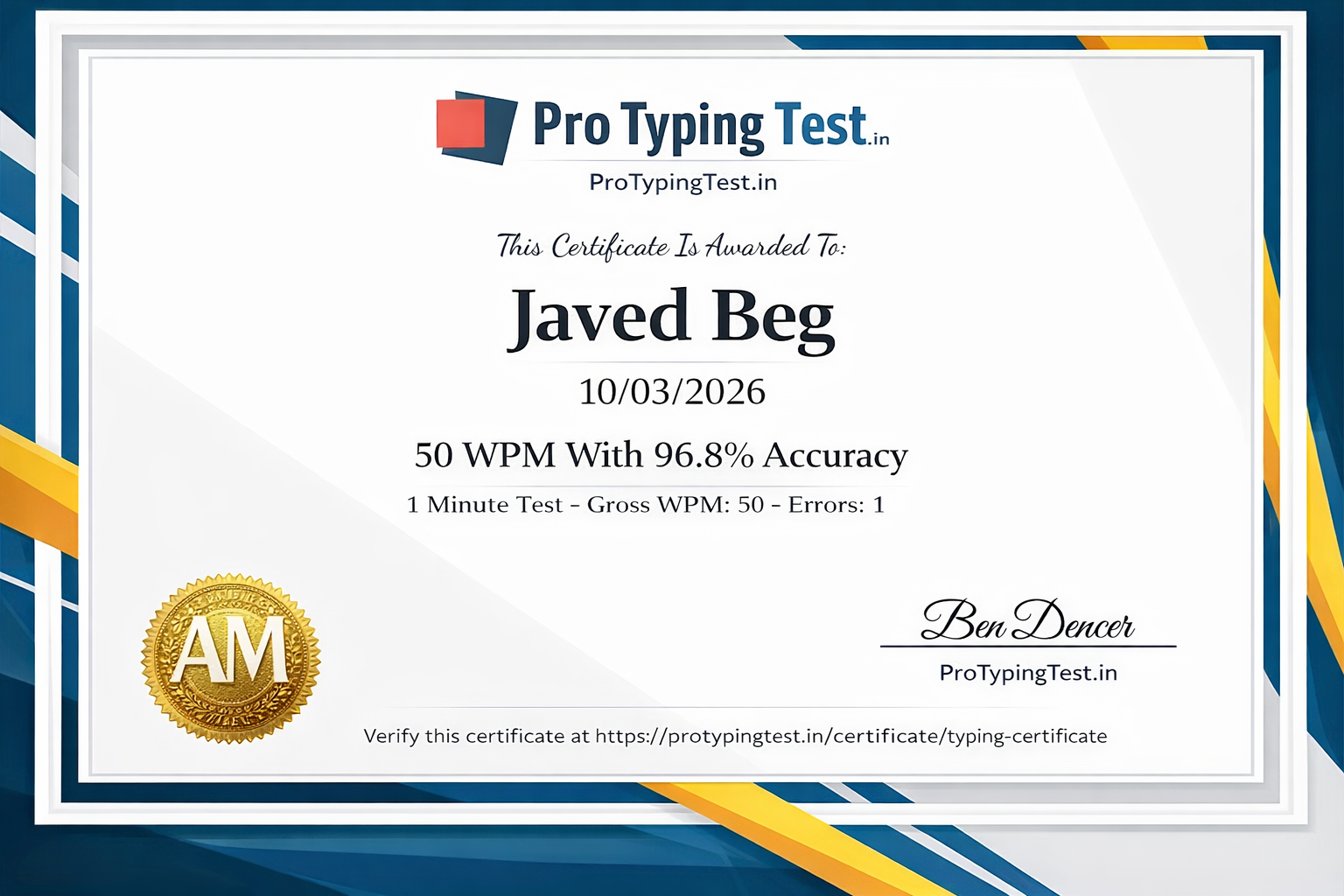
Honest confession: When I started typing in 2021, I was stuck at 25 WPM. I used to look at the keyboard for every single key. I failed multiple typing tests. I almost gave up.
But then I discovered touch typing. The first week was frustrating — my speed dropped to 15 WPM. However, I persisted. After 30 days, I hit 45 WPM. After 60 days, I crossed 60 WPM. Today, I type at 85 WPM with 98% accuracy.
This 30-day plan is exactly what I used and have updated for 2026 with the latest proven techniques. If I can do it, you can too. Start with a free typing test to check your current speed, then follow this plan systematically.
📅 Week 1: Foundation (Days 1-7) - Touch Typing Basics
Days 1-3: Home Row Mastery
Practice home row keys: asdf jkl; asdf jkl; - 20 minutes daily.
Focus on proper finger placement without looking at the keyboard.
Days 4-5: Top Row Introduction
Add top row: qwert yuiop qwert yuiop - 25 minutes daily.
Combine with home row: asdf jkl; qwert yuiop asdf jkl;
Days 6-7: Bottom Row Introduction
Add bottom row: zxcv bn m zxcv bn m - 25 minutes daily.
Practice all rows combined: "the quick brown fox jumps over the lazy dog"
📅 Week 2: Building Speed (Days 8-14)
Days 8-10: Common Words Practice
Practice the 100 most common English words - 30 minutes daily.
Target: 30 WPM with 95% accuracyDays 11-12: Short Sentences
Practice short sentences - 30 minutes daily.
Target: 33 WPM with 94% accuracyDays 13-14: 2-Minute Tests
Take multiple 2-minute typing tests - 5-6 rounds daily.
Target: 35 WPM with 95% accuracy📅 Week 3: Speed Focus (Days 15-21)
Days 18-19: Speed Drills
Type the same passage repeatedly - 5 times.
Target: 43 WPM with 93% accuracyDays 20-21: Problem Keys Focus
Identify and practice your weak keys.
Target: 45 WPM with 94% accuracy📅 Week 4: Mastery (Days 22-30)
Days 22-25: 10-Minute Tests
Daily 10-minute typing tests - build endurance.
Target: 50 WPM with 94% accuracyDays 26-28: Mixed Content
Practice different types of content.
Target: 55 WPM with 94% accuracyDays 29-30: Final Push
Maximum effort - multiple 5-min and 10-min tests.
Target: 58-60 WPM with 95% accuracy⚠️ 7 Common Mistakes That Keep You Stuck Below 60 WPM
❌ 1. Looking at the Keyboard
This is the number one speed killer. Cover your hands with a cloth if necessary.
❌ 2. Sacrificing Accuracy for Speed
Mistakes cost more time than slow, accurate typing.
❌ 3. Inconsistent Practice
30 minutes daily is far more effective than 3 hours once a week.
❌ 4. Wrong Finger Placement
Each finger has assigned keys. Using incorrect fingers creates awkward hand movements.
❌ 5. Poor Posture
Slouching restricts blood flow and breathing.
❌ 6. Only Taking 1-Minute Tests
1-minute tests can inflate your perceived speed.
❌ 7. Not Tracking Progress
What gets measured gets improved.
💡 Important Tips from My Journey (25 WPM → 85 WPM)
- Do not look at the keyboard: Cover your hands with a cloth if you must.
- Accuracy first, speed second: Prioritize accuracy (95%+) — speed will follow.
- Maintain proper posture: Straight back, elbows at 90°, wrists straight.
- Take regular breaks: After every 25 minutes of practice, take a 5-minute break.
- Use all 10 fingers: Utilize all ten fingers; this is the essence of touch typing.
- Track your progress: I maintained a daily log.
🎯 Ready to Achieve 60 WPM?
Start with a free typing test and follow this 30-day plan. I did it — and you can too! Get your official certificate for FREE!