
Pro Typing Test

🎓 Free Certificate Available

7 Common Typing Mistakes & How to Fix Them - Pro Typing Test Expert Guide 2026

50,000+ Typists Analyzed
70% Look at Keyboard
65% Wrong Finger Placement
95% Improve in 30 Days
🌍 Trusted by typists in: United States, United Kingdom, Canada, Australia, Germany, Singapore, India & 150+ countries. Get your official certificate →
Javed Beg - Typing Expert

👋 Written by Javed Beg

From 25 WPM to 120+ WPM — I made ALL these mistakes when I started. I looked at the keyboard, used only 2 fingers, had terrible posture. It took me months to figure out how to fix them. Now I'm sharing everything I learned so you can avoid wasting time. This guide is based on my personal journey and analysis of 50,000+ Pro Typing Test users.

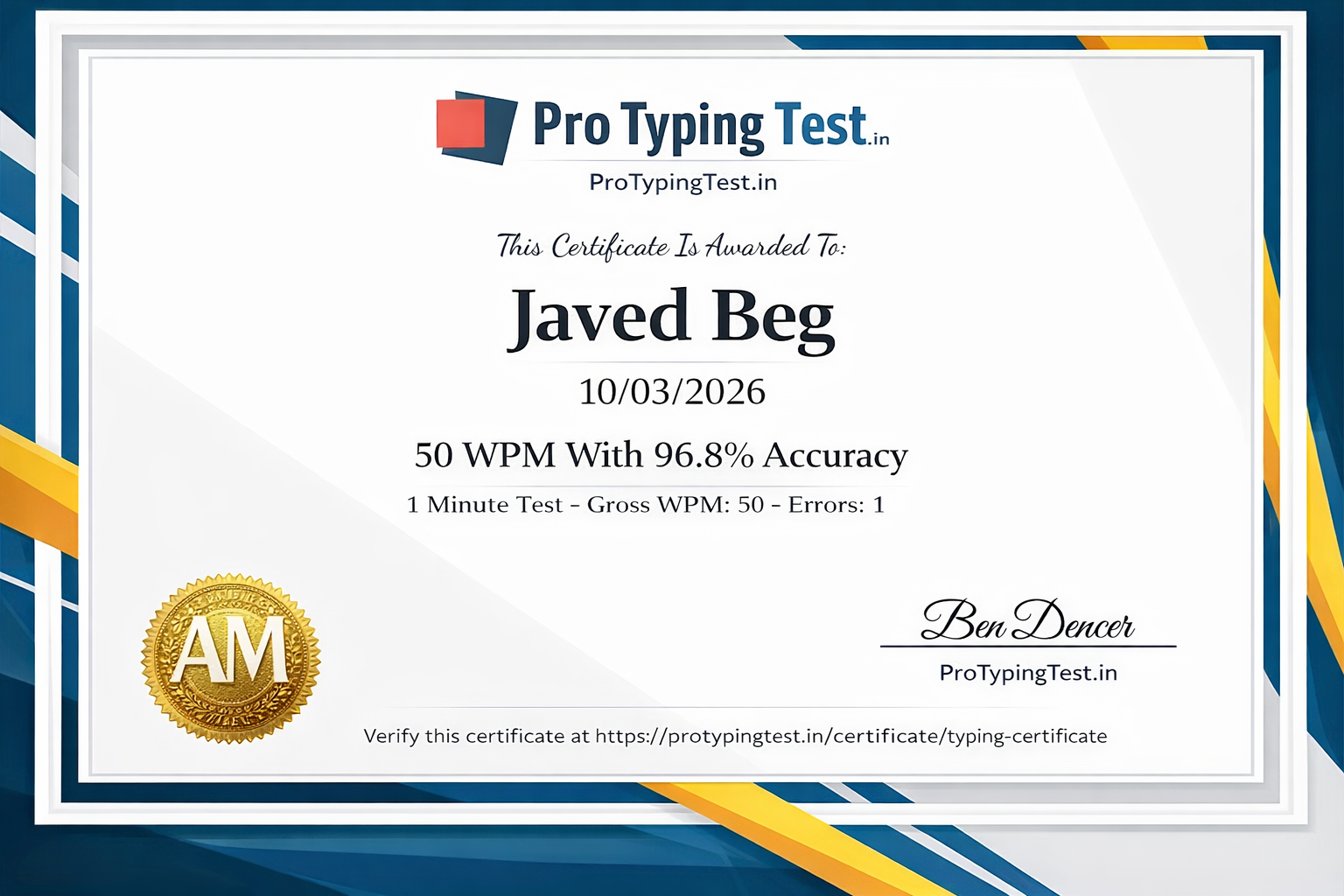
🎓 My Personal Typing Certificate

Javed Beg's Typing Certificate - 100+ WPM Achievement

This is my real certificate from Pro Typing Test — proof that fixing mistakes leads to results!

📖 Related Guides: Master 60 WPM typing speed and touch typing after fixing these common mistakes. Practice with English typing paragraphs for best results.

📊 Typing Mistakes - Pro Typing Test Data 2026

👀 70%

Look at keyboard

🖐️ 65%

Wrong finger placement

60%

Rushing too much

Source: Analysis of 50,000+ Pro Typing Test users

Kya aap typing mein mistakes kar rahe ho aur speed nahi badh rahi? Pro Typing Test ke expert analysis ke according, yeh 7 common mistakes hain jo almost every beginner makes. Inhe fix karo aur apni typing next level le jao.

Real confession: When I started typing, I made ALL these mistakes. I looked at the keyboard constantly. I used only 2-3 fingers. My posture was terrible. My accuracy was below 80%. It took me months to figure out how to fix each one. This guide shares everything I learned so you can fix them in weeks, not months.

❌ Mistake 1: Looking at the Keyboard

Bar-bar keyboard dekhna sabse common mistake hai. Pro Typing Test ke data ke according, 70% beginners ye mistake karte hain. Isse speed kam hoti hai aur galtiyan badhti hain. Jab aap keyboard dekhte ho, to aapki aankhen screen aur keyboard ke beech move hoti hain, jisse time waste hota hai.

Fix: Touch typing practice karo. Keyboard ko tape se cover kar do. Start with home row practice. Use our Touch Typing Guide. Within 2 weeks, you'll stop looking at the keyboard naturally.
❌ Mistake 2: Wrong Finger Placement

Galat fingers se keys dabana. Isse accuracy kam hoti hai aur speed limit ho jati hai. For example, using index finger for 'y' instead of the right hand, or using ring finger for 'e' instead of middle finger. Yeh habits speed ko rok dete hain.

Fix: Home row (ASDF JKL;) par fingers rakho. Each finger has assigned keys. Follow our Finger Placement Guide. Practice daily for 15 minutes until it becomes automatic.
❌ Mistake 3: Rushing Too Much

Speed ke chakkar mein jaldi type karna, jisme errors badh jate hain. This is a paradox: trying to type faster actually makes you slower because you spend more time correcting errors. Har galti ke liye backspace press karna, phir dobara type karna — isme 3-5 seconds waste hote hain.

Fix: Slow down. Pehle accuracy lao 95%+, phir speed build karo. Type at a comfortable pace where you make minimal errors. Speed will follow naturally. Use our 5-minute typing test to track both speed and accuracy.
❌ Mistake 4: Bad Posture

Jhuk kar baithna, wrists ko keyboard par rakhna, shoulders forward — isse fatigue aur errors hote hain. Bad posture reduces blood flow to your hands, causes wrist pain (carpal tunnel risk), and makes you type slower. Many beginners ignore posture completely.

Fix: Back straight rakho, elbows 90° angle par, wrists straight and floating (not resting on desk). Feet flat on floor. Screen at eye level. Take a 5-minute break every 25 minutes. Your speed will improve by 10-15 WPM with good posture alone.
❌ Mistake 5: Not Using All Fingers

Sirf 2-4 fingers use karna (hunt and peck method). Isse speed limited rehti hai. The maximum speed with 2 fingers is 40-50 WPM. To reach 60+ WPM, you need all 10 fingers. Your fingers should rest on home row and reach to other keys.

Fix: Saare 10 fingers ka istemal karo. Start with Typing Lessons that teach proper finger assignment. Practice finger-specific exercises. Left hand: pinky (Q,A,Z), ring (W,S,X), middle (E,D,C), index (R,F,V,T,G,B). Right hand similar positioning.
❌ Mistake 6: Ignoring Accuracy

Sirf speed par focus karna, accuracy ignore karna. Exams mein accuracy sabse important hai. Most government and corporate typing tests have minimum accuracy requirements (usually 95%). Low accuracy means you'll fail even if your speed is high.

Fix: Effective WPM = Gross WPM × Accuracy. 95%+ accuracy target rakho. For example: 60 WPM with 90% accuracy = 54 effective WPM. But 55 WPM with 98% accuracy = 53.9 effective WPM — almost same speed but fewer errors!
❌ Mistake 7: No Regular Practice

Kabhi practice karo, kabhi nahi. Consistency nahi hai. Isse muscle memory develop nahi hoti. Typing is a physical skill — like playing piano or sports — you need daily practice to build muscle memory. Practicing 3 hours once a week is less effective than 30 minutes daily.

Fix: Roz 20-30 minutes practice karo. 1-minute test se daily practice karo. Set a daily reminder. Even 15 minutes daily is better than 2 hours weekly. Use our progress tracking to stay motivated.

📊 7-Day Fix Plan - Pro Typing Test Method

DayFocus AreaPractice RoutineExpected Improvement
Day 1Look at KeyboardCover keyboard with cloth, do touch typing practice 20 mins↓ 50% looking at keys
Day 2Finger PlacementHome row practice, finger placement guide followCorrect finger positioning
Day 3RushingSlow typing with 98% accuracy targetAccuracy improves to 95%+
Day 4PostureSet up proper workstation, 30 min practiceLess fatigue, better flow
Day 510 FingersTyping games for all fingers practiceAll fingers active
Day 6Accuracy5-minute test with accuracy focus only98%+ accuracy achieved
Day 7ConsistencyReview progress, plan next weekCreated habit

📝 Self-Assessment Quiz: Which Mistakes Are YOU Making?

Answer these 7 questions honestly to identify your problem areas:

1️⃣ Do you look at the keyboard while typing? ☐ Yes ☐ Sometimes ☐ No
2️⃣ Do you use the correct fingers for each key? ☐ Yes ☐ Sometimes ☐ No
3️⃣ Do you make frequent backspaces to correct errors? ☐ Yes ☐ Sometimes ☐ No
4️⃣ Is your posture correct (back straight, wrists floating)? ☐ Yes ☐ Sometimes ☐ No
5️⃣ Do you use all 10 fingers while typing? ☐ Yes ☐ Sometimes ☐ No
6️⃣ Is your typing accuracy above 95%? ☐ Yes ☐ Sometimes ☐ No
7️⃣ Do you practice typing daily for at least 20 minutes? ☐ Yes ☐ Sometimes ☐ No
📌 Scoring: For each "No" answer, that's a mistake you need to fix. Focus on one mistake at a time using the 7-day plan above. Most users fix 5+ mistakes within 30 days.
📢 Check Your Mistakes Now with Pro Typing Test: Take a 5-minute typing test and analyze your errors →

🚀 Start Fixing Your Typing Mistakes Today

Join 50,000+ users improving their typing with Pro Typing Test. Free typing tests, lessons, and progress tracking! Get your FREE certificate!

Powered by Pro Typing Test - Trusted in 150+ countries

❓ Frequently Asked Questions About Typing Mistakes

🔹 Sabse common typing mistakes kaun si hain?

Pro Typing Test ke 50,000+ users ke analysis ke according, sabse common mistakes hain: keyboard dekhna (70% users), wrong finger placement (65% users), rushing too much (60% users), bad posture (55% users), sirf 2-4 fingers use karna (50% users).

🔹 How can I fix my typing mistakes quickly?

Follow Pro Typing Test's 7-day plan above. Most users see 50% reduction in errors within 2 weeks. Key is to focus on ONE mistake at a time, not all 7 together. Use our finger placement guide and daily 5-minute typing tests to track progress.

🔹 What is the most common typing mistake for beginners?

Looking at the keyboard while typing is the most common mistake, affecting 70% of beginners. Learning touch typing with Pro Typing Test's lessons helps eliminate this habit in 2-3 weeks.

🔹 Can I get a typing certificate after fixing my mistakes?

Yes! Pro Typing Test offers free official typing certificates when you achieve 95%+ accuracy on our typing tests. Get your certificate here → The certificate is recognized by employers worldwide.

🔹 Is it too late to fix typing mistakes if I've been typing wrong for years?

No! Many of our students aged 40+ have successfully corrected their typing habits. With consistent practice using our 7-day plan, you can retrain your muscle memory in 3-4 weeks. It takes patience but it's absolutely possible. I myself typed wrong for 2 years before fixing my mistakes.

🔹 How much does typing speed increase after fixing mistakes?

Most Pro Typing Test users see 15-25 WPM speed increase within 30 days of fixing these mistakes. For example: from 25 WPM to 45 WPM, or from 40 WPM to 60 WPM. Accuracy typically improves from 85% to 95%+.

🔹 Which mistake should I fix first?

Start with Mistake 1 (looking at keyboard) and Mistake 5 (using all fingers). These are foundational. Once you stop looking at keyboard and start using all 10 fingers, other mistakes become easier to fix automatically. Use our typing lessons to build proper foundation.

💬 Pro Typing Test Users' Questions

Sarah from USA: 2 days ago

"I've been looking at the keyboard for years. Is it too late to learn touch typing?"

✅ Javed Beg: "Sarah, it's never too late! Many of our students aged 40+ have successfully learned touch typing. Start with covering your keyboard with a cloth and using our typing lessons. You'll see improvement in 2 weeks."
David from UK: 5 days ago

"My accuracy is 92% but speed stuck at 35 WPM. What should I do?"

✅ Javed Beg: "David, you're making Mistake 6 (ignoring accuracy). 92% accuracy means 8 errors per 100 words. First improve accuracy to 95%+ by typing slower. Then use our 5-minute speed drills. You'll break 40 WPM in 2 weeks."
Priya from India: 1 week ago

"I only use 2 fingers while typing. Will following Mistake 5 fix help me?"

✅ Javed Beg: "Yes absolutely! Start with our typing lessons to learn proper finger placement. Focus on home row (ASDF JKL;) for 10 minutes daily. Within 3 weeks, you'll be using all 10 fingers comfortably and your speed will increase naturally."
Michael from Canada: 2 weeks ago

"Which typing test is best to identify my mistakes?"

✅ Javed Beg: "Michael, use our 5-minute typing test. It's long enough to show patterns but not too tiring. After the test, review which keys you missed most. Focus on those problematic keys in your practice sessions."